
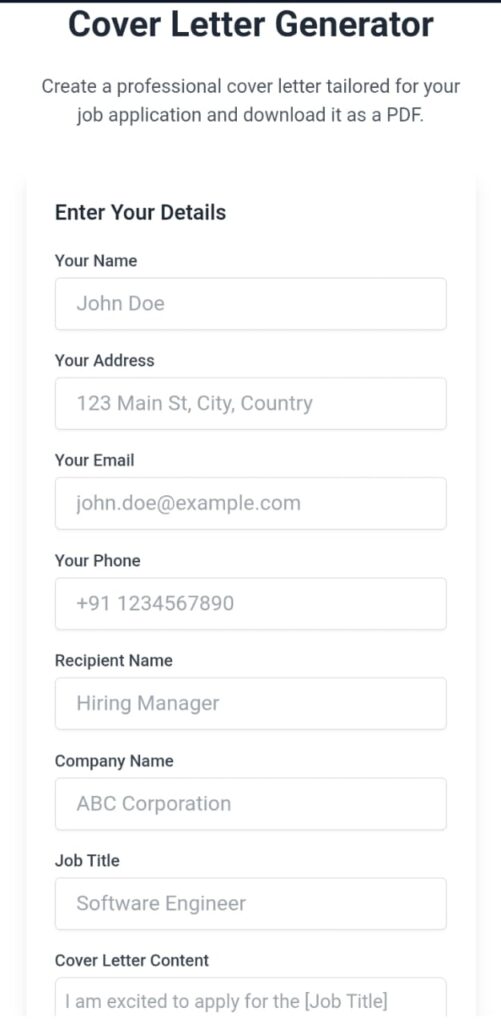
Cover Letter Generator
Create a professional cover letter tailored for your job application and download it as a PDF.
Enter Your Details
Cover Letter Generator – Create Professional Cover Letters Easily
A strong cover letter can make a big difference when applying for a job. It introduces you to the employer, highlights your skills, and explains why you are the best fit for the role. Writing one from scratch can feel overwhelming, but a Cover Letter Generator makes the process quick, simple, and stress-free.
Why Use a Cover Letter Generator?
A Cover Letter Generator is an online tool that helps job seekers create customized and professional cover letters in minutes. Instead of struggling with wording, formatting, or structure, you can select a template, fill in your details, and let the tool generate a polished document for you.
These generators use proven templates that recruiters expect, so you can focus on adding your personal touch without worrying about design or layout.
Using a Cover Letter Generator saves time and ensures your letter looks professional. Here are some of the top benefits:
1. Saves Time
You no longer need to spend hours writing from scratch. In just a few clicks, you’ll have a ready-to-use cover letter.
2. Professional Formatting
The tool provides well-structured templates that make your application look neat and organized.
3. Easy Customization
You can quickly edit job titles, skills, and experiences to match each application.
4. Error-Free Writing
Many generators offer grammar checks and writing suggestions, so your letter looks polished and error-free.
5. Boosts Job Chances
A strong, tailored cover letter increases your chances of getting noticed by recruiters.
How to Use a Cover Letter Generator
Using a cover letter generator is simple. Follow these steps:
- Choose a Template – Select a design that fits your industry and job role.
- Enter Your Details – Add your name, contact information, and the job you are applying for.
- Highlight Your Skills – Mention your relevant experiences and strengths.
- Customize Content – Adjust the tone and details to match the job posting.
- Download and Apply – Save the final version and send it with your resume.
Tips for Writing a Strong Cover Letter
Even when using a generator, personalization is key. Here are some tips:
- Address the hiring manager by name if possible.
- Match your skills with the job description.
- Keep your tone professional yet friendly.
- End with a strong closing statement that invites further discussion.
Conclusion
A Cover Letter Generator is the perfect solution for job seekers who want to create professional cover letters without the stress of starting from scratch. With customizable templates, time-saving features, and error-free writing, it helps you focus on what matters most—landing your dream job.
FAQs About Cover Letter Generators
Q1: Are cover letter generators free to use?
Many cover letter generators offer free basic templates, while some provide premium features for advanced customization.
Q2: Can I customize the generated cover letter?
Yes. You can edit the text, style, and format to match the job you are applying for.
Q3: Do employers accept cover letters made with generators?
Absolutely. As long as you personalize it to fit the job, a generated cover letter is professional and effective.